
Open AIav for Developers · generation API
Build AI creation into your product.
Generation APIs for websites, apps and visual workflows. Submit references, track tasks and retrieve results within your own product.
See developer documentation for model capabilities, parameters and billing.
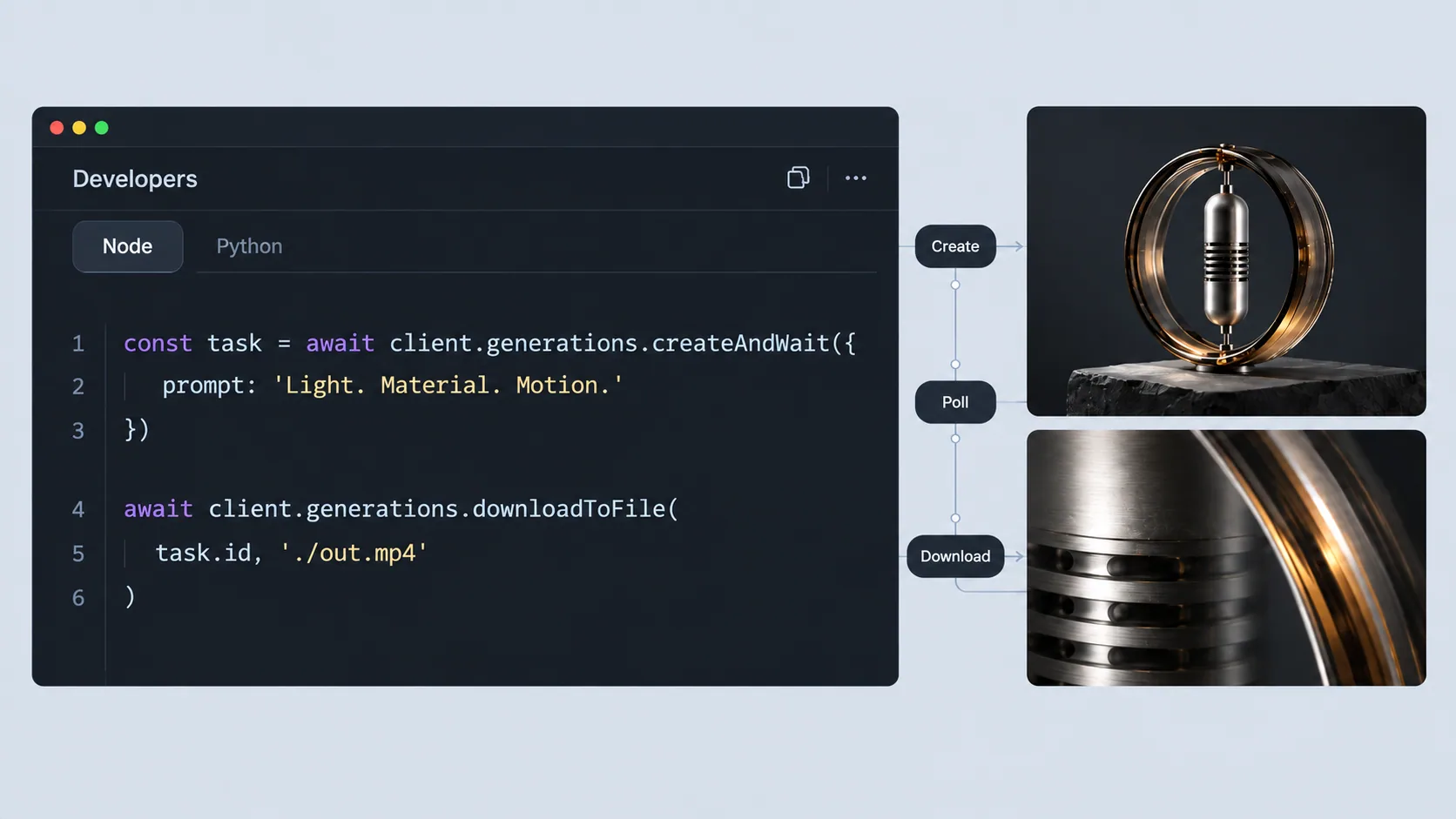
Build the generation screen your product needs.
These application patterns are starting points for your own implementation, not ready-made integrations.
01 / 03
Keep the brief beside the result.
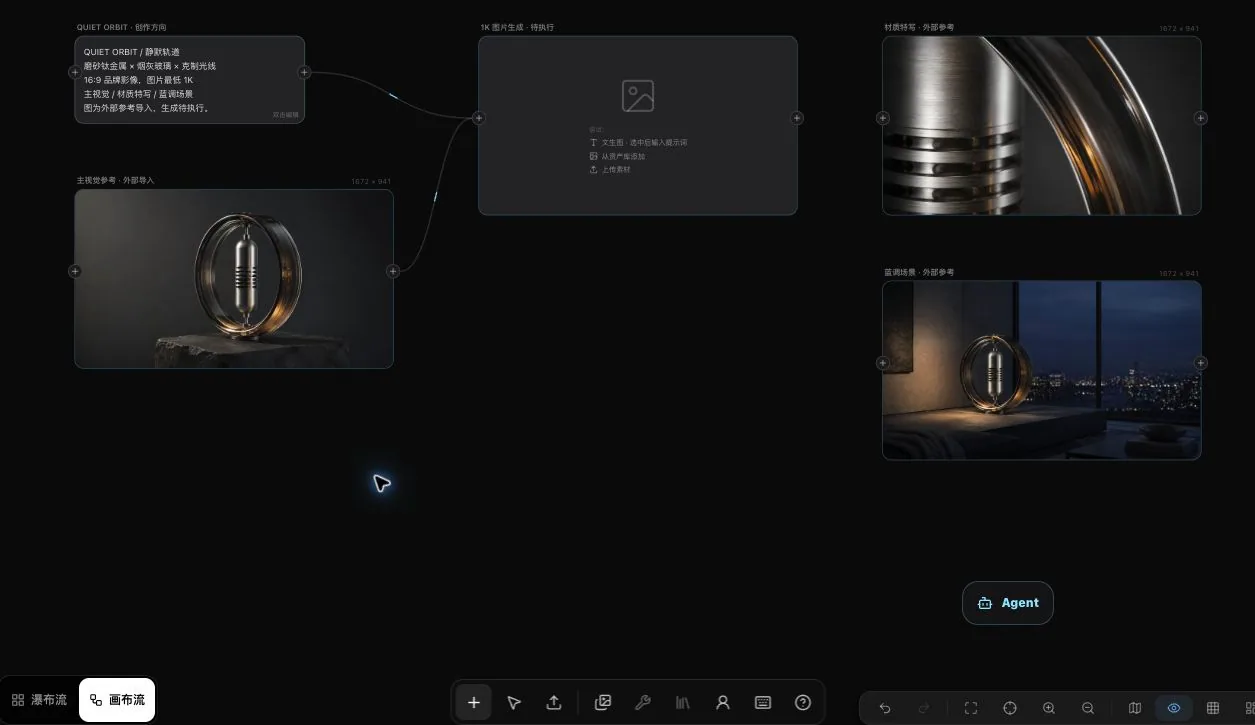
Plan a reference upload, a task status view and a result preview inside your creative tool.
Your application controls the interface. The API handles the generation request.
02 / 03
Show progress without losing the task.
Keep the returned task_id with your application record. Retrieve the result when the generation task completes.
Your application owns sign-in, project records and the presentation of results.
03 / 03
Make review part of the application.
Plan a review screen around generated assets. Confirm reference rights and approval before publication.
Review, storage and publishing rules belong to your application.

API documentation
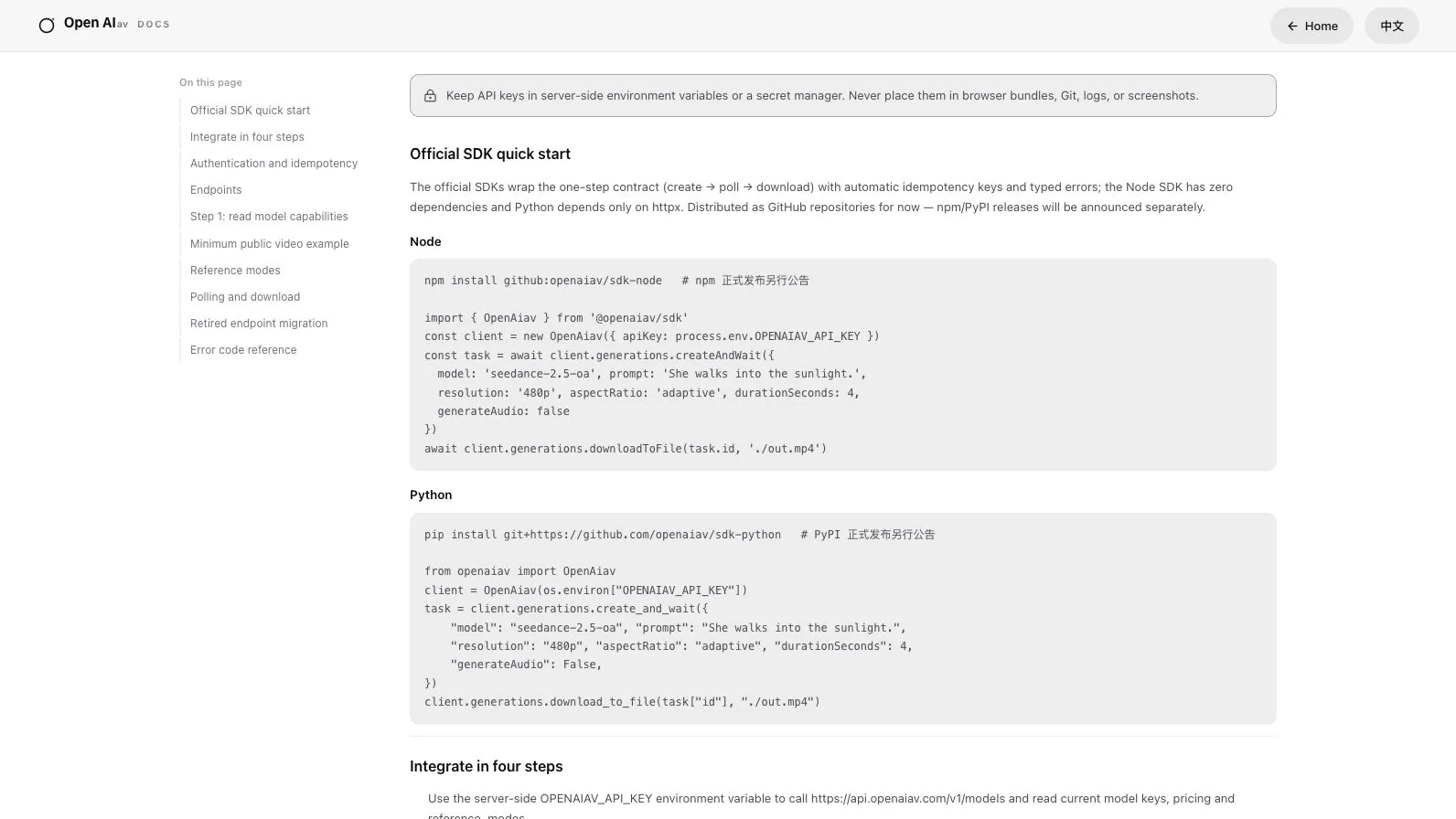
Build on the same generation API
Studio and your product call the same generation API.
From APIs to creative workflows
Studio and your product call the same generation API.
API keys
Create and revoke keys from the developer console; a key's secret is shown once.
Reference in, result out
Submit a reference image and parameters, get a task_id, then poll for the result.
Rate limits
Response headers return the remaining rate-limit budget, so a client backs off instead of guessing.
One request. A traceable task.
The request lifecycle, without a guessed endpoint or model. Read the API documentation for the current request schema.
reference + parametersSubmit inputs
Send the reference and parameters required by the selected generation endpoint.
task_idKeep the task ID
Store the returned identifier with the request in your application.
task statusRead task status
Poll for completion and account for the rate-limit response headers.
resultRetrieve the result
Retrieve the completed result and display it in your application.
Decide what your application owns.
The API is a generation interface. Your application needs its own product decisions.
Server-side keys
Keep API secrets on your server. Never embed them in browser code or screenshots.
Task recovery
Plan status checks, failed-task messages and retry decisions before shipping the interface.
Review and publication
Check input permissions and generated results before sharing or publication.
Start building
Use the console to manage access and the documentation to make your first call.
Enterprise services · in preparation
Business customers also get custom agents, one dedicated engineer and white-label delivery. In preparation.
Custom agents
Production, compliance and interaction agents, built around your workflow. In preparation.
Dedicated support
One support engineer per business customer, one to one. In preparation.
White-label delivery
Deliver the creation workspace under your own brand. In preparation.
Bring a brief. Agree the scope.
Studio and API access are open. Custom agents and dedicated services are in preparation.
Get started
Read the documentation
Parameters, responses and the polling flow are in the platform's own documentation.