Open AIav Studio · creation workspace
Write a sentence, get images and short video.
Generate stills and short clips from text or a reference image, then review every take. Results stay in your private library, and you decide what to publish.
Create with text and reference images. Results stay in your private library.
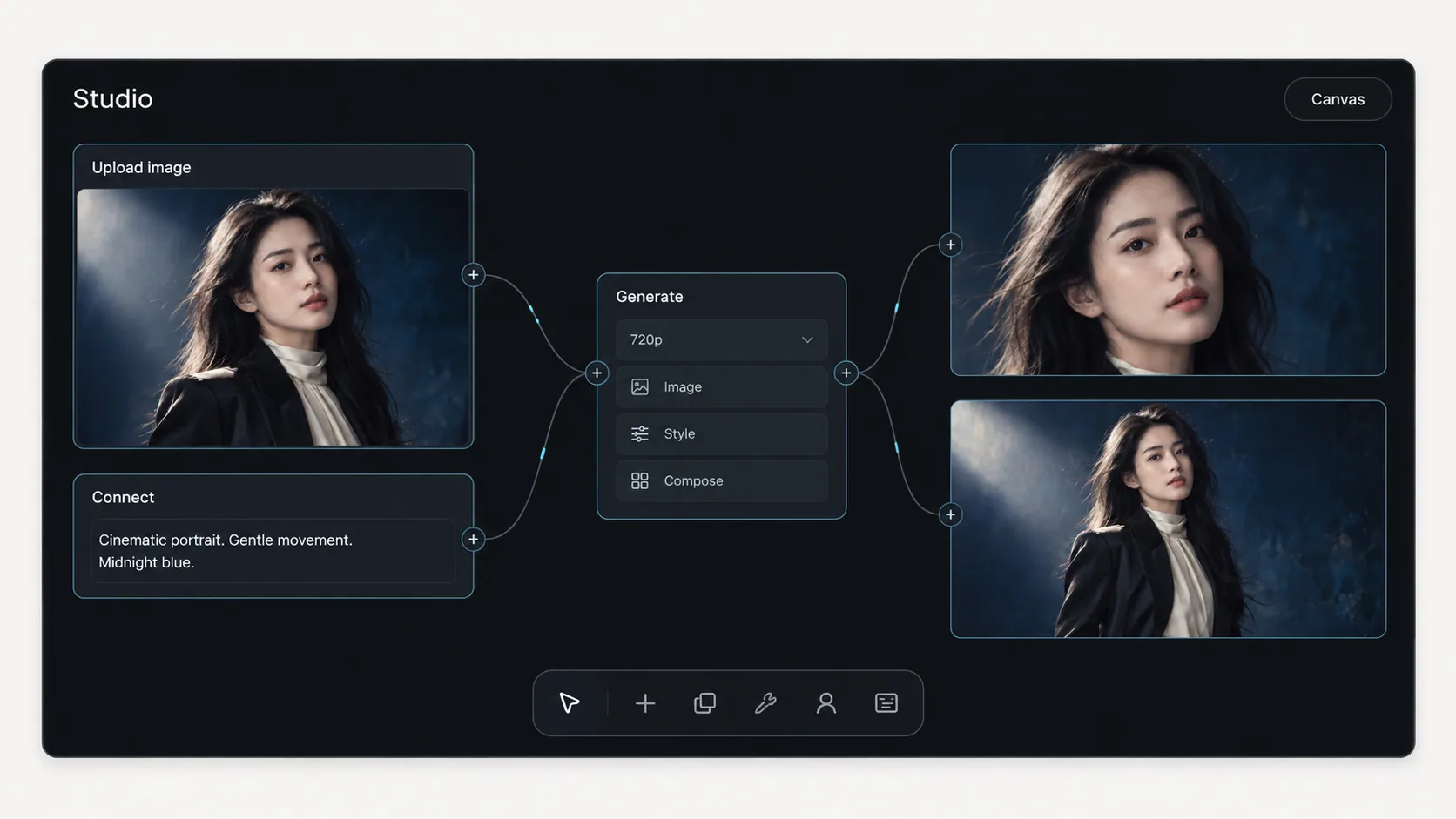
From references to workflow preparation
Inside one project: browse the references, then connect them to a pending generation node.
Studio generates images and short video
Images are priced per image. Short video is priced per second of output. Both share one private library.
Image generation
Generate stills from text or a reference image, priced per image.
Short video generation
Turn a scene or a still into short motion, priced per second of output.
Private library
Only you see your results by default. They stay off public pages until you publish.
See another creative direction.
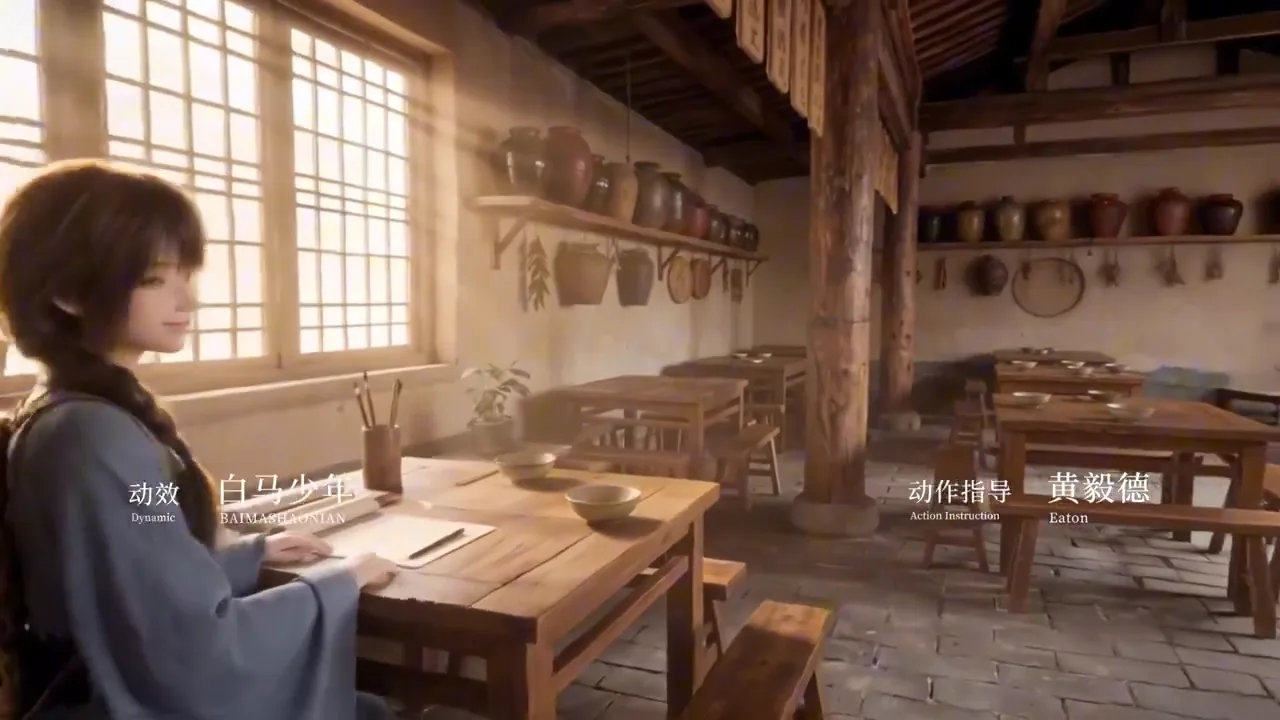
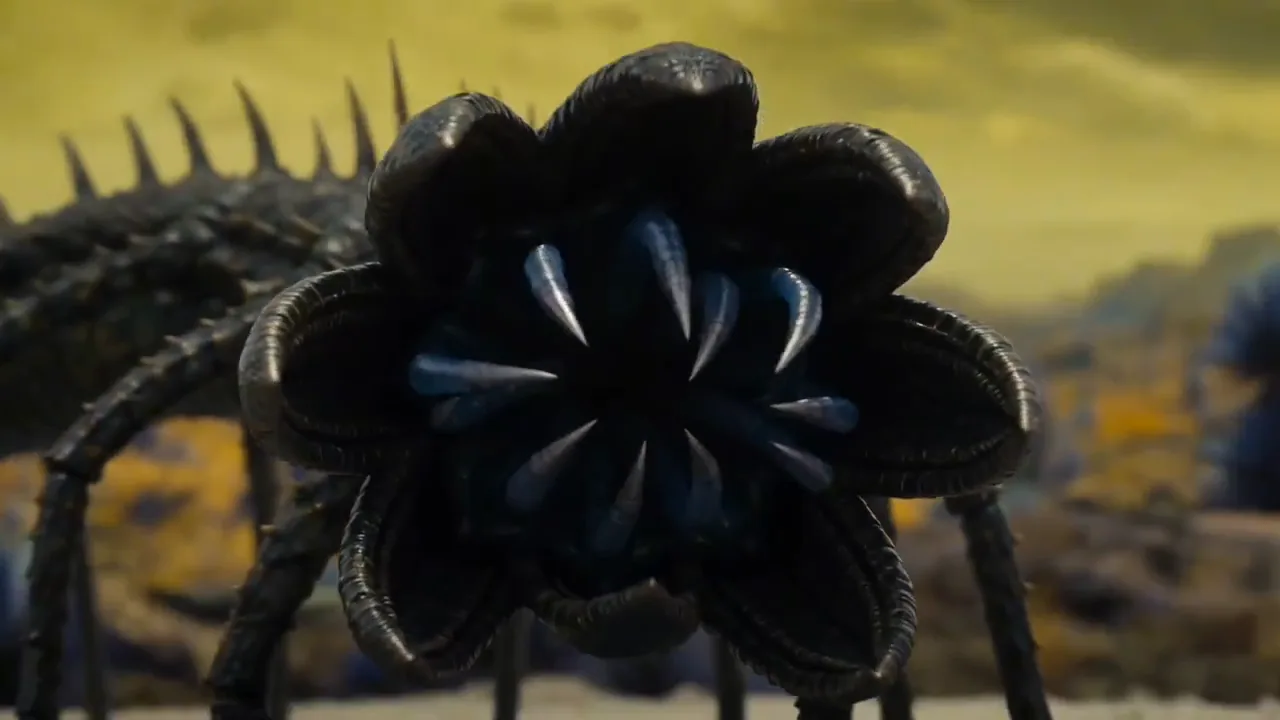
Editorial selections from the Studio homepage. These clips are separate from the reference walkthrough above.
Studio home editorial selection · not a customer case study Characters and atmosphere
Explore how a character, framing and light set the mood of a short clip.
Studio home editorial selection · not a customer case study Worlds and movement
Watch a scene unfold through color, movement and a change of scale.
You decide which piece goes public
Publish a piece with its own caption, or leave it in your private library. Every paid unlock creates an earnings entry.
Selective publishing
Publish a piece with its own caption and an optional prompt excerpt.
Credit-based billing
Studio uses credits for billing. The price appears before you confirm.
Unlock earnings
Every paid unlock creates an earnings entry naming the work, the split and the amount.
Three rules, in force before upload
Open AIav enforces all three today.
Confirmation at sign-up
Consent given at sign-up is recorded on the account against a published policy version. Sessions can be revoked at any time.
AI labeling and consent
Content involving real people requires their consent. Content without consent, impersonation, and content involving minors are prohibited. Every work page carries an AI-generated notice.
Content removal
Anyone can file a removal request for one piece, without an account.
What we are exploring next
Character consistency, workflows and team collaboration are in preparation.
Character consistency
Train a model of your own character; the same face appears in images and short video. In preparation.
Canvas and workflows
Storyboard, generate and reshoot on one canvas. Save a template and share it. In preparation.
The media platform, openaiav.tv
Work pages, the making-of, channels and a stream of short films. In preparation.
Team spaces
A shared library, a character library, roles and review. In preparation.
Common questions
- Is generated work public by default?
- No. Results land in your private library first. No one sees them until you publish.
- Can I upload my own material as a reference?
- Yes. Content involving real people requires their consent. Content without consent, impersonation, and content involving minors are prohibited.
- How is short video priced?
- Short video is priced per second of output and billed in Studio credits. Review the quote before confirming generation.
Get started
Open the creation workspace
Generate a first shot now. It stays in your private library, and going public is your call.
Plans and billing
See Studio plans, credits and prices. The order information in the product specifies the included benefits.